If your porch light has come on at 6:00 p.m. all summer and that felt about right, this weekend is when it stops being right. In the US and Canada, clocks fall back at 2:00 a.m. on Sunday, November 1. The UK and EU already did it on October 25. Overnight the sun sets an hour earlier by the clock. In New York it goes from about 5:50 p.m. on Saturday to about 4:50 p.m. on Sunday, so every automation pinned to a fixed time now fires an hour after dark.
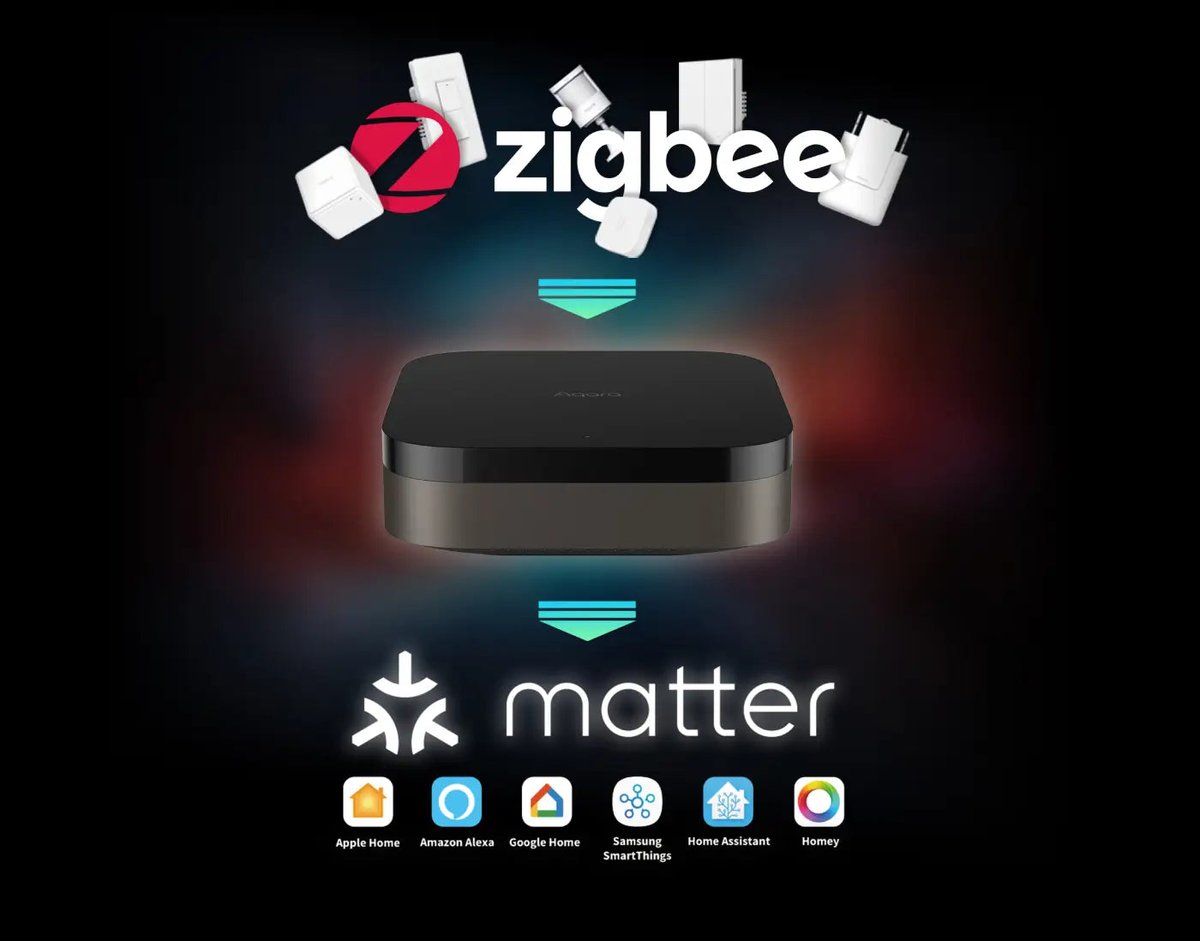
Your hubs will handle the clock change itself without complaint. The real problem is that “6:00 p.m.” was never what you meant. You meant “when it gets dark.” This guide shows you how to tell your smart home that directly. It covers three approaches, from least effort to most accurate: sunset offsets, sun elevation, and actual light sensors.
Why fixed-time schedules are the wrong tool for lighting
Clock-based lighting schedules have two problems, and daylight saving time is only one of them.
The obvious problem is the twice-a-year jump. The quieter one is seasonal drift. Even without DST, sunset in London moves from roughly 3:50 p.m. in mid-December to about 9:20 p.m. in late June. A single fixed time is wrong for most of the year. You just stop noticing until the clocks change and the gap doubles overnight.
Location changes the picture too. Near the equator there’s no DST and sunset barely moves. In Singapore it stays within a window of roughly 40 minutes all year. A fixed 7:00 p.m. schedule there is nearly fine. For everyone at mid or high latitudes (most of North America, Europe, Japan, Korea and southern Australia), it isn’t.
So the fix isn’t “remember to update your schedules twice a year.” The fix is to stop using the clock for anything that’s really about daylight.
Option 1: Sunrise and sunset triggers (with offsets)
Every major platform can trigger on sunrise or sunset based on your home’s location. Those times are recalculated daily, so DST stops mattering. What matters is the offset. “Sunset” is the moment the top of the sun drops below a flat horizon, but rooms get gloomy well before that, especially north-facing rooms (south-facing in the southern hemisphere) and anything behind trees or tall buildings. In most homes you’ll want indoor lights to start 15 to 45 minutes before sunset.
Here’s where each platform hides the setting.
Apple Home
In the Home app, go to Automation → + → A Time of Day Occurs → Sunset. Then set an offset before or after. Automations run on your home hub (HomePod or Apple TV), so you need one. If a sunset automation silently stops firing after an iOS update, check that the Home app still has precise Location Services access before you rebuild anything. That’s the most common cause.
Google Home
The Home app’s automation editor offers sunrise and sunset starters. For finer control, the script editor accepts offsets like sunset-30min or sunrise+1hour, so you can set “start 40 minutes before sunset” exactly.
Amazon Alexa
In the Alexa app, create a routine: When this happens → Schedule → Sunset, then set the minutes before or after. It works, but Alexa only lets you add conditions in limited ways. That matters later if you want “only if someone’s home.”
SmartThings
Routines support sunrise and sunset with an offset, but for years the app has capped it at 60 minutes in either direction. That covers most lighting. If you need more, the usual workaround is a virtual switch with a delay, or the Rules API.
Home Assistant
The sun trigger takes an offset in hours:minutes:seconds:
triggers:
  - trigger: sun
    event: sunset
    offset: "-00:30:00"
That’s the easy version. Home Assistant also has a better option, covered below.
The catch: “sunset minus 30” isn’t the same light everywhere
Offsets feel precise, but they’re a proxy. The sun’s angle at the horizon depends on your latitude and the season. Near the equator it drops almost vertically. At higher latitudes in winter it slides down at a shallow angle. Run the numbers for December: 30 minutes before sunset, the sun sits about 7° above the horizon in Singapore, but only about 3.5° in London. Same offset, roughly half the height, and a noticeably dimmer room.
You’ve probably felt this without knowing why: a sunset rule that seemed perfect in March turns on too late in December. You can fix it by nudging offsets every few months. Or you can stop using time as a proxy for brightness altogether.
Option 2: Sun elevation (the Home Assistant upgrade)
Home Assistant’s built-in Sun integration tracks the sun’s elevation, its angle above or below the horizon. Elevation maps to brightness on a clear day the same way in Singapore, Seattle and Stockholm. That makes it a far more consistent trigger than “sunset minus X.”
In the automation editor, use the Sun elevation crossed threshold trigger. In YAML it’s a numeric-state trigger on sun.sun:
triggers:
  - trigger: numeric_state
    entity_id: sun.sun
    attribute: elevation
    below: 2
Some reference points:
- About +5° to +2°: dim interiors and north-facing rooms start to need lamps. This is a good range for indoor lighting.
- About −0.8°: official sunset.
- 0° to −6°: civil twilight. The Home Assistant docs suggest this range for most dusk and dawn automations. Use around −4° for porch lights, path lights and holiday displays.
One gotcha: the trigger fires only when the elevation crosses your threshold. If Home Assistant restarts after the sun has already passed it, the automation won’t fire that evening. The fix is to add a second trigger for Home Assistant starting up, plus a condition that checks the elevation is below your threshold.
Elevation also opens up colour temperature. The community Adaptive Lighting integration (installed via HACS) shifts brightness and colour temperature along the sun’s path all day. It’s the Home Assistant equivalent of Apple’s Adaptive Lighting or Hue’s Natural Light scene, with far more control.
Apple Home, Google Home, Alexa and SmartThings don’t expose sun elevation, which leaves them with offsets or the next option.
Option 3: Measure the actual light
Sunset times and sun elevation both assume a clear sky. November rarely cooperates. On a heavy overcast afternoon a living room can be dark at 3:00 p.m., and no sun-based rule will notice. A light sensor will.
The most useful pattern combines light with occupancy: if motion (or presence) is detected and the light level is below X lux, turn on the lights. That way lights come on when the room is both dark and in use, whatever the clock or the weather.
Sensors worth considering
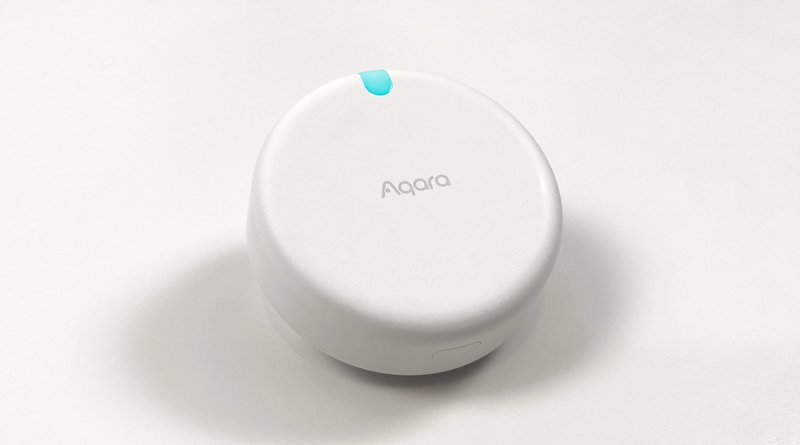
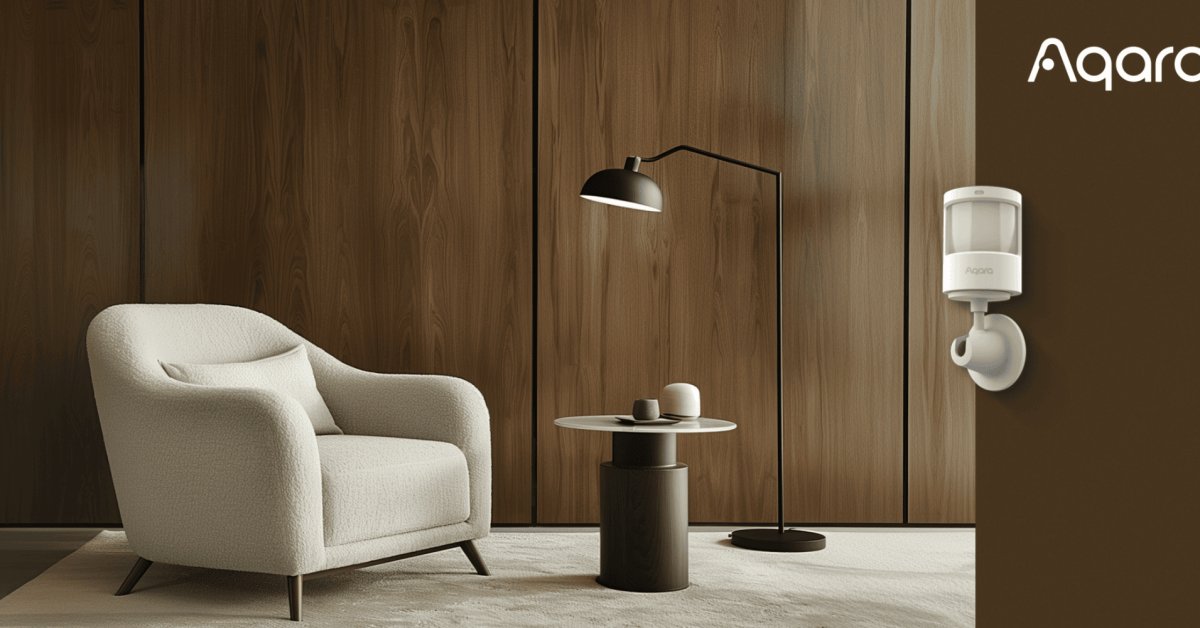
- Aqara Motion and Light Sensor P2 (about $34). Matter over Thread, so it works with Apple Home, Google Home, SmartThings and Home Assistant through any Thread border router. Its light sensor shows up in Apple Home, which several earlier Aqara sensors never managed (9to5Mac covered the launch). The limitation: the light sensor tops out around 1,500 lux. That’s plenty for “is the room getting dark?” but useless for measuring direct sunlight.
- Aqara Light Sensor T1 (roughly $25–35, varies by region). Zigbee 3.0, with a range of 0 to 83,000 lux, so it can tell overcast from full sun. Stick it on a window frame and it can drive blinds as well as lights. It needs an Aqara Zigbee hub or a Zigbee coordinator running Home Assistant (ZHA or Zigbee2MQTT).
- Philips Hue Motion Sensor (about $45–50 in the US). Zigbee, and it requires a Hue Bridge. The Hue app has a daylight-sensitivity setting, so it won’t switch lights on in a bright room, and that runs locally on the bridge. Its lux reading is also visible to Apple Home and Home Assistant. If you already own a Hue Bridge, it’s the least-effort option.
- Aqara Presence Sensor FP300. Combines mmWave presence, PIR motion, light, temperature and humidity in one battery-powered unit, in Zigbee or Thread versions. Presence means lights don’t switch off on someone sitting still on the sofa. It’s the best “dark and occupied” sensor in a single box. (Our FP400 vs. FP2 comparison covers how Aqara’s presence line fits together.)
Platform support for light-level triggers is uneven
- Home Assistant: excellent. It has dedicated illuminance triggers and conditions, and you can combine lux with presence, sun elevation and time however you like.
- Apple Home: the sensor’s lux reading appears in the Home app, but the app itself doesn’t offer light level as an automation trigger. The workaround is the free Eve app. Build the automation there with “light level” as the trigger and “below X lux” as a condition, and it still runs on your Apple home hub.
- Google Home and SmartThings: varies by sensor and integration. Before you buy, check that the lux value shows up as a usable starter or condition for your specific device.
- Alexa: the weakest of the bunch. The P2’s light reading, for example, isn’t supported in Alexa routines at all.
Two light-sensor gotchas
- Battery sensors don’t report constantly. Many only send lux updates periodically or when they see motion. A “light drops below 30 lux” trigger can miss an empty room getting dark. Use motion or presence as the trigger and lux as the condition.
- Don’t let the sensor see the lamp it controls. If it does, the lights turn on, lux jumps, a “too bright” rule turns them off, and you’ve built a strobe. Mount the sensor where it reads daylight, not your ceiling light.
Changeover night: four quick checks
The clock change itself rarely breaks anything, but these four are worth a minute this weekend:
- Devices that keep their own schedule. Old plug-in timers, some thermostats and radiator valves, irrigation controllers and anything that’s been offline for a while may not pick up the change. Look at whatever has an on-device schedule rather than one in the cloud or on your hub.
- Time zone set as an offset rather than a place. If a hub or NVR is set to “UTC−5” instead of “America/New_York” or “Europe/London,” it will never shift for DST. Check Home Assistant under Settings → System → General, and check any self-hosted camera recorders while you’re there.
- The 1:00–2:00 a.m. hour happens twice tonight. Platforms differ on whether a 1:30 a.m. automation fires once or twice. In spring that hour won’t exist at all. Keep anything important out of that window.
- Mixed rules. For morning routines, combine time and sun: “at 6:30 a.m., only if the sun is below the horizon, turn on the kitchen lights.” That covers dark winter mornings without lighting up an already-bright kitchen in June.
If you’re putting up outdoor holiday lights soon, this is the perfect job for a sunset (or −4° elevation) trigger to switch them on and a fixed time to switch them off. More on that in our smart Christmas lights guide.
What I’d actually do
On Apple Home, Google Home or Alexa: replace every lighting schedule with a sunset-relative one tonight. Start at 30 minutes before sunset indoors and right at sunset outdoors, then adjust after a couple of weeks of real November weather. Add a light sensor (the P2 is the easy pick) to the one or two rooms that go dark first on cloudy days.
On Home Assistant: use sun elevation for outdoor and whole-house evening scenes, lux plus presence for individual rooms, and Adaptive Lighting for colour temperature. If you’re still choosing what to run it on, see our guide to Home Assistant hardware.
Keep the clock for things tied to people, not daylight: “everything off at 11:30 p.m.,” wake-up lights on workdays, the kids’ bedtime dim-down. Those should follow the clock, DST included.
Rule of thumb: the clock for people, the sun for lights. Set it up properly once, and next March, when the clocks spring forward, you won’t have to touch a thing.