An outdoor camera watches your driveway. An indoor camera watches you: your kids doing homework, your partner in a towel, the dog sitter you hired off an app. That makes indoor cameras the most intimate device most people will ever put on their Wi-Fi, and it means the spec sheet matters less than three blunt questions. Can you physically blind it? Where does the footage live? And who else could see it?
Most “best indoor camera” lists rank on resolution and price. We think that’s backwards. Here’s how the six cameras worth buying in late 2026 compare on the things that actually matter indoors, plus an honest look at the first camera that speaks Matter, and why it isn’t a reason to buy (yet).
The short version
| Camera | Price (USD) | Video | Physical privacy | Local storage | Needs a subscription for history? | Best with |
|---|---|---|---|---|---|---|
| Google Nest Cam Indoor (wired, 3rd gen) | $99.99 | 2K HDR, 152° | No | No microSD | Yes (Google Home Premium) | Google Home |
| Ring Indoor Cam (2nd Gen) | $59.99 (often ~$30) | 1080p | Yes, slide cover (lens + mic) | No | Yes (Ring Protect) | Alexa |
| eufy Indoor Cam E30 | $69.99 (often ~$60) | 4K, pan/tilt | No | microSD | No | Anyone, Apple Home at 1080p |
| TP-Link Tapo C225 | ~$35–45 street | 2K QHD, pan/tilt | Yes, privacy shield (button or app) | microSD up to 512GB | No | Budget, multi-ecosystem |
| Aqara Camera G100 | $34.99 | 2304×1296, 140° | No | microSD | No (or iCloud+ for HKSV) | Apple Home |
| Aqara Camera Hub G350 | $139.99 | 4K wide + 2.5K tele, pan/tilt | Yes, auto lens shield | microSD up to 512GB + NAS | No | Apple Home, SmartThings, Matter |
What actually matters in an indoor camera
1. A shutter you can see
Software “privacy modes” are fine until a firmware bug, a compromised account or a confused family member turns the camera back on. A physical cover is the only privacy feature you can verify from across the room. Ring, Tapo and Aqara’s G350 all have one; Google’s Nest Cam and the eufy E30 don’t. If the camera lives in a living room where people relax, we’d make a shutter non-negotiable.
2. Where the footage goes
There are three models: local (a microSD card in the camera, sometimes backed up to a NAS), your platform’s cloud (Apple’s HomeKit Secure Video via iCloud+, Google Home Premium, Ring Protect), or the camera maker’s cloud (eufy, Tapo Care, Aqara HomeGuardian, all optional). Local is cheapest and most private, but a burglar can walk off with the evidence. Cloud survives theft but costs money every month, forever.
3. Which ecosystem it actually lives in
Unlike lights or plugs, cameras still aren’t interchangeable. A Nest Cam is a Google Home device, a Ring cam is an Amazon device, and an Apple Home camera needs HomeKit Secure Video support. Matter was supposed to fix this. We’ll get to why it hasn’t.
4. Fixed or pan/tilt?
Pan/tilt cameras can cover a whole room from a shelf and follow a pet around, but their motors are audible in a quiet bedroom and their lenses point wherever they last stopped. Fixed wide-angle cameras are quieter and more predictable.
The cameras
Google Nest Cam Indoor (wired, 3rd gen): the best picture, the steepest running cost
Google’s latest indoor cam is a genuinely good piece of hardware: a 2K sensor, HDR, a wide 152° field of view, and dual-band Wi-Fi so it doesn’t have to fight for space on crowded 2.4GHz. It costs $99.99 on the Google Store in Snow, with Hazel and Berry colors available only in the US. Setup runs through the Google Home app; it doesn’t work with the old Nest app at all.
The catch is everything that makes it smart. The Gemini-powered alerts that describe in plain language what happened need a Google Home Premium subscription. The Standard plan ($10 a month) keeps 30 days of event video; Advanced ($20 a month) stretches that to 60 days and adds 10 days of 24/7 recording. Without a plan, it’s a nice live-view camera with very little memory. There’s no microSD slot and no physical shutter, so privacy is a schedule or a Home/Away routine rather than a cover you can see.
Buy it if: your house already runs on Google Home and you’re happy to pay for Premium anyway.
Ring Indoor Cam (2nd Gen): good hardware, complicated company
On paper, Ring’s indoor camera is the easiest recommendation in the category. It’s cheap ($59.99 list, £49 in the UK, and routinely discounted to around $30), records in 1080p, and has the best-designed privacy feature here: a manual slide cover that blocks the lens and disables the microphone. TechRadar’s review sums it up as a new privacy shield on otherwise familiar hardware, which is fair.
Recording needs a Ring Protect plan. Ring renamed its “Ring Home” plans back to Ring Protect in January 2026, and the single-camera Basic tier starts at $4.99 a month. Ring’s opt-in Familiar Faces facial recognition works on this camera, but it needs a paid plan and can’t be used together with Ring’s end-to-end encryption.
That trade-off is the real decision. Ring spent the past year reminding everyone how much it likes networked video: a Super Bowl ad for its AI “Search Party” dog-finding feature drew a backlash in February, and days later Ring cancelled a planned integration with police-camera company Flock Safety, saying the integration never launched and no customer video was shared. Nothing there involves your living room directly. But if you buy a Ring indoor cam, we’d turn on Ring’s opt-in end-to-end encryption (set a passphrase and don’t lose it), give up the AI extras, and keep the cover closed whenever someone’s home.
Buy it if: you’re an Alexa household that wants a shutter for $30, and you’re comfortable with Amazon’s cloud.
eufy Indoor Cam E30: the most camera for the money
The E30 shoots 4K, pans a full 360° and tilts 75°, tracks people and pets with on-device AI, and has a spotlight for color night vision. It records to a microSD card (bring your own) with no subscription required. PCWorld’s launch coverage put it at $69.99, it’s €69 in Europe, and it spends a lot of its life around $60.
It also works with Apple Home, though only at 1080p there, so you’re paying for 4K you’ll only see in eufy’s own app. Two other caveats: the pan/tilt motor is audible in a quiet room, and it has no physical shutter. And it’s worth remembering eufy’s 2022 scandal, when researchers found its “local-only” cameras were sending thumbnails to the cloud and could expose streams; Anker acknowledged the problems and changed its encryption and marketing in early 2023. Anker says those issues are fixed, but the history is why we wouldn’t point one at a bed.
Buy it if: you want maximum resolution and zero monthly fees, for a room where you don’t need a shutter.
TP-Link Tapo C225: the budget pick with a real privacy shield
The Tapo C225 is the camera we’d tell most people to buy. It’s a 2K QHD pan/tilt camera with a bright f/1.6 lens, a starlight sensor, an invisible 940nm infrared mode that won’t glow in a dark nursery, and motion tracking that swings at up to 120° per second. Most importantly, it has a physical privacy shield: press the button on the camera or tap the app and the lens is hidden.
Storage is a microSD card up to 512GB, with Tapo Care cloud as an optional extra. The US version works with Apple Home as well as Alexa and Google Home, and it regularly sells for $35–45 on Amazon in the US (around €45–50 in Europe). That’s a lot of privacy for very little money.
Buy it if: you want one camera that works with every ecosystem, records locally, and can be blinded on demand.
Aqara Camera G100: the cheapest way into HomeKit Secure Video
Apple Home users have a particular problem: most cheap cameras don’t support HomeKit Secure Video, the system that analyzes video on your home hub and stores encrypted clips in iCloud+ without counting against your storage. The Aqara Camera G100 does, at $34.99 (£34.99, €36.99, AU$89).
It records 2304×1296 video with a 140° lens, has both 940nm infrared and a spotlight for color night vision, takes a microSD card, and is rated IP65, so it can move outside later. It also works with Alexa, Google Home, SmartThings and Home Assistant. The limitations are 2.4GHz-only Wi-Fi and no shutter. HomeKit Secure Video needs an iCloud+ plan: 50GB covers one camera, 200GB covers five.
Buy it if: you’re on Apple Home and want the cheapest supported camera, or a few of them.
Aqara Camera Hub G350: the first Matter camera, and a hub besides
The G350 is the most interesting camera here. Launched in March at $139.99 (£139.99, AU$269), it’s the first camera certified under Matter 1.5, the version of the standard that added cameras in November 2025. The hardware is ambitious for a tiny indoor cam: a 4K wide-angle lens paired with a 2.5K telephoto for up to 9x hybrid zoom, a 360° pan/tilt head, local face, pet and gesture recognition, and a lens shield that closes automatically when the camera is switched off.
It’s also a hub. The G350 is a Zigbee hub and a Matter controller, so it can bridge Zigbee sensors (say, an Aqara Door and Window Sensor) into Apple Home, Google Home, Alexa and SmartThings. Storage is microSD up to 512GB plus NAS backup, and it supports HomeKit Secure Video, limited to 1080p in Apple Home. The Ambient’s review is a good deep dive if you want the full picture.
Buy it if: you want one box to be your camera and your Zigbee hub, especially in Apple Home or SmartThings.
What about Apple’s own?
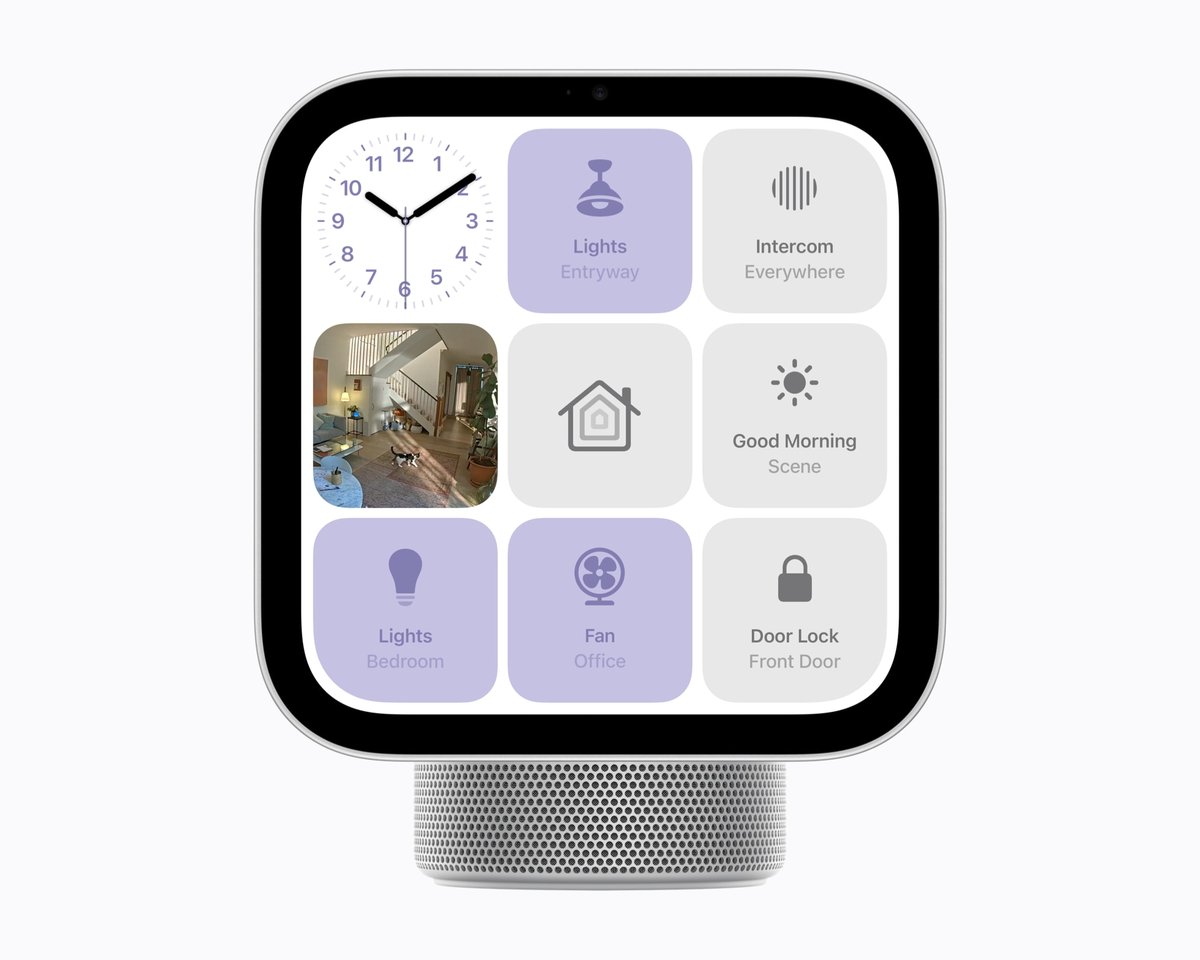
Apple’s October 13 event added an LG Indoor Cam ($199.95) to its new Apple Home Collection. It tilts to follow the action and records through HomeKit Secure Video, but it ships in December and only in the US, Canada and the UK. We covered the whole lineup in our breakdown of Apple’s smart home push. It’s twice the price of a G350 and nobody has tested it yet, so we’d wait for reviews.
Matter cameras: the honest status
Matter 1.5 promised that any certified camera would stream to any Matter platform. Here’s where that stands in October 2026:
- Samsung SmartThings is the only major platform that supports Matter cameras, with live view, clips and two-way talk. A recent G350 firmware update (4.5.70 or newer) also added pan/tilt control over Matter in SmartThings.
- Apple, Google and Amazon have committed to Matter cameras but haven’t shipped support. Apple’s new LG-built cameras are HomeKit Secure Video devices.
- None of the other cameras in this guide support Matter at all.
So the G350 works in Apple Home and Google Home today, but through Aqara’s own HomeKit and app integrations rather than Matter. That’s fine. Just don’t pay a premium for “Matter” on a camera expecting it to switch ecosystems for you in 2026. We said the same about outdoor cameras in July, and nothing has changed except SmartThings getting better.
The three-year cost of ownership
Sticker prices hide the real difference. Here’s roughly what one camera costs over three years at US prices, assuming a $15 microSD card where needed:
| Setup | Hardware | 3 years of storage | Total |
|---|---|---|---|
| Nest Cam + Google Home Premium Standard | $99.99 | $360 | ~$460 |
| Ring Indoor Cam + Ring Protect Basic | ~$30–60 | ~$180 | ~$210–240 |
| eufy E30 + microSD | ~$60–70 | $15 | ~$75–85 |
| Tapo C225 + microSD | ~$35–45 | $15 | ~$50–60 |
| Aqara G100 + iCloud+ 50GB | $34.99 | ~$36 | ~$71 |
| Aqara G350 + microSD | $139.99 | $15 | ~$155 |
If you already pay for iCloud+ 200GB for family photos, Apple users get HomeKit Secure Video for up to five cameras at no extra cost, which is the best deal in the category.
Setting it up so it doesn’t become a liability
- Never aim at bedrooms or bathrooms, and tell anyone who stays or works in your home (guests, nannies, cleaners) that cameras are there. Many countries regulate audio recording much more strictly than video, so check local rules before leaving the microphone on.
- Automate privacy. Use Home/Away modes or schedules so cameras only record when everyone’s out. In Apple Home or Home Assistant, a mmWave sensor like the Aqara Presence Sensor FP2 can trigger privacy mode when someone’s actually in the room, which is more reliable than phone location.
- Put cameras on their own network. A separate IoT SSID or VLAN keeps a vulnerable camera away from your laptops. Our guide to smart home Wi-Fi explains how.
- Turn on two-factor authentication for every camera account. Most indoor camera “hacks” are reused passwords, not broken encryption.
- Want full control? Local recording to your own server is a different project entirely. Our local NVR comparison covers Frigate, Scrypted and friends.
- Watching a baby rather than a burglar? A dedicated monitor does breathing and sleep tracking that security cams don’t. See our baby monitor showdown.
The verdict
- Best for most people: TP-Link Tapo C225. A real shutter, local storage, every ecosystem, under $50.
- Best picture without fees: eufy Indoor Cam E30, for rooms where you don’t need a shutter.
- Best for Apple Home on a budget: Aqara Camera G100. HomeKit Secure Video for $35.
- Best all-in-one: Aqara Camera Hub G350. The only Matter camera, a Zigbee hub and a physical shield, if you’ll pay $140.
- Best for Google homes: Nest Cam Indoor, but only if you’re already paying for Google Home Premium.
- Best for Alexa homes: Ring Indoor Cam (2nd Gen), with end-to-end encryption on and the cover closed when you’re home.
Indoor cameras are still split into walled gardens, and Matter hasn’t opened them up yet. So pick the camera that fits the ecosystem you already use, and choose one with a cover you can close.