Most people buy security cameras backwards. They agonise for weeks over sensor size and night vision, click “buy,” and then discover the actual product they signed up for is a $10-a-month subscription that holds their own footage hostage. The camera was never the decision. The recorder was.
A local NVR — network video recorder — is the box that keeps your video on your property. No cloud round-trip, no retention paywall, no vendor deciding next quarter that 60-day history is now a premium tier. In 2026 the self-hosted side of this has matured to the point where the free option is genuinely better at AI detection than most paid clouds, and the paid appliances have gotten cheap enough that “I don’t want to build a server” is no longer an excuse.
Here’s how the four real contenders actually compare, plus the hardware shake-up that quietly invalidated every Frigate build guide written before this year.
What a local NVR actually buys you
Three things, in descending order of how much you’ll care:
Retention you control. Cloud plans meter history in days. A local recorder meters it in terabytes, and terabytes are cheap. Thirty to sixty days of continuous 4K across a handful of cameras is a solved problem for a few hundred dollars of spinning rust.
Detection that doesn’t upload first. Modern local NVRs run object detection on your own silicon — person, car, package, animal — in single-digit milliseconds. Nothing leaves the house to make that decision.
Latency. Pulling a live view from a camera two rooms away shouldn’t route through a data centre on another continent. Local streams open in under a second. Cloud streams frequently don’t.
The trade is real, though, so let’s be honest about it: you are now the IT department. Drives fail, updates break things, and nobody is going to call you when recording silently stopped three weeks ago. Every option below sits somewhere on the spectrum between “total control” and “someone else handles it.”
Frigate: the enthusiast default, mid-transplant
Frigate is free, open source, and the reason a lot of people run Home Assistant at all. It ingests RTSP streams, runs local object detection, and only records what matters — with a UI built around reviewing events rather than scrubbing timelines.
Version 0.16 folded in face recognition and licence plate recognition with no add-ons and no subscription — a genuinely startling thing to get for free when Ring and Nest gate the equivalent behind monthly plans. It also brought semantic search: type “person in a red jacket near the gate” and get matching clips back, using CLIP embeddings computed locally.
Version 0.17, which landed mid-2026, added GenAI review summaries — the system generates a title and description for each review item and classifies activity as normal, suspicious, or dangerous — plus an Apple Silicon detector that runs object detection on an M-series NPU and talks to Frigate over IPC.
The Coral obituary nobody announced
Here’s the part that matters if you’re following an older tutorial. The Google Coral TPU is no longer recommended for new Frigate installs. That’s not a forum opinion; it’s the official hardware documentation, which now states the Coral is only appropriate for “deployments with particularly low power requirements or hardware incapable of utilizing alternative AI accelerators.”
The mechanical reason is unglamorous: the Gasket PCIe driver that the M.2 and PCIe Coral modules depend on doesn’t build against Linux 6.4 or newer. Frigate has committed to supporting existing Coral users indefinitely — 0.17 even added a quantized YOLOv9 that runs on Coral hardware and beats the old MobileDet model on accuracy — but the platform’s future is elsewhere.
What to buy instead, in rough order of sanity:
- Intel iGPU via OpenVINO. If your machine already has a modern Intel chip, you may need to buy nothing at all. Inference times land around 5–6 ms. This is the cheapest good answer.
- Hailo-8 or Hailo-8L. Now first-class supported detectors via HailoRT. The 8L is 13 TOPS, the full 8 is 26 TOPS, and YOLOv6n runs at roughly 7–11 ms. The easiest packaging is Raspberry Pi’s own AI HAT+ — $70 for the 13 TOPS version, $110 for 26 TOPS, as Phoronix noted at launch.
- An Nvidia GPU you already own, via the ONNX detector on CUDA 12.x.
Also worth knowing: 0.17 moved to a Debian Bookworm base and dropped the JetPack 4 and 5 Jetson images. If you’re on an older Jetson, read the release notes before you docker pull.
Frigate+ is the optional paid layer — $50/year for twelve model-training credits, letting you fine-tune detection on your own cameras’ footage. Models you train are yours to keep and download forever, even after the subscription lapses. Extra fine-tunings are $5 each. For a normal house, the free base models are fine; Frigate+ earns its keep when you have a weird camera angle that keeps calling your bins a person.
Who it’s for: anyone already running Home Assistant, anyone who wants the best local AI in the category, and anyone allergic to recurring fees. It is the most capable option here and also the one most likely to eat a weekend.
Scrypted: the translator, not the archive
Scrypted solves a different problem. It’s a plugin-based video platform whose superpower is low-latency rebroadcast — taking a camera that speaks one dialect and presenting it fluently to HomeKit, Google Home, Alexa, and Home Assistant simultaneously. If your HomeKit camera tiles take eight seconds to load, Scrypted is the fix.
Scrypted NVR is the paid 24/7 recording plugin on top, running roughly $40/year for the first four cameras plus about $10/year per camera after that, with a free trial. (Check the current tiers before you commit — this one has moved.)
The pragmatic read: Scrypted and Frigate aren’t really rivals, and plenty of people run both — Scrypted upstream to bridge awkward cloud-locked cameras into an RTSP stream, Frigate downstream to do the detection and retention. Pick Scrypted alone if your bottleneck is ecosystem plumbing; pick Frigate alone if your bottleneck is detection and storage.
UniFi Protect: the appliance that just works
If your reaction to the above is “I would like to pay money and not think about this,” Ubiquiti is the answer. Protect cameras record to a local Ubiquiti recorder and the footage stays there — no per-camera fees, ever.
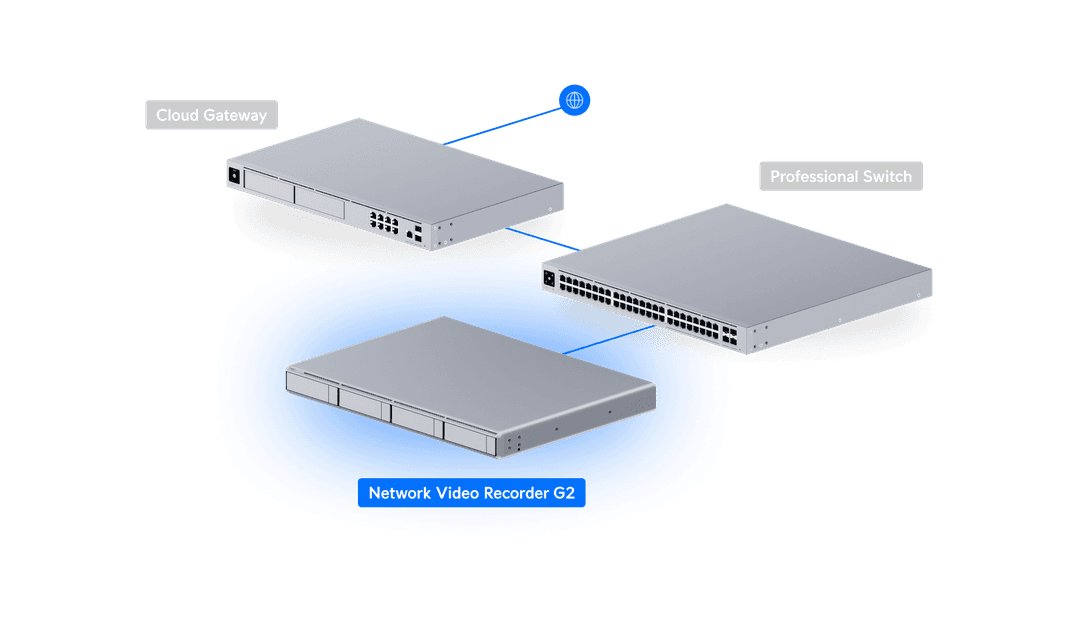
Ubiquiti refreshed the line in May 2026. The UNVR G2 is $699: 1U, four drive bays, HDMI out, on-box AI event analytics, and support for up to 30 4K cameras. The UNVR G2 Pro is $999 with eight bays and capacity for 50 4K cameras. The previous-generation UNVR ($299) and UNVR Pro ($499) are still around and still perfectly good for a house.
The catch is the walled garden. Protect is happiest with Protect cameras, and third-party support runs through ONVIF, which is patchier than the marketing suggests. You’re buying polish and a coherent app, and paying for it in flexibility.
Blue Iris: the Windows veteran
Blue Iris is the old guard — a single Windows application driving up to 64 cameras, with a UI that looks like it was designed during a different decade because it was. It’s also enormously capable, endlessly configurable, and a one-time purchase: the LITE tier is $34.95, and the full 64-camera version lands in the $70 range, with optional paid support renewals after the first year.
The disqualifier for most people is the first word: Windows. If you’re not already willing to keep a Windows box running 24/7 for this, the comparison ends there. If you are, Blue Iris is still the most tunable option per dollar, and its community has documented every camera on earth.
The no-thinking-required tier
Not everyone needs a server. Two shortcuts:
Reolink Home Hub Pro — around $200 with a 2TB drive included, expandable to 16TB, handling up to 24 Reolink cameras with AES-128 encrypted local storage and no monthly fees. It’s a closed system, but it’s a genuinely good closed system, and it’s the single cheapest way to get someone off a subscription. Pair it with the picks in our outdoor security camera showdown.
A Synology NAS you already own — Surveillance Station is mature and ships with two camera licences. Additional ones are the sting: roughly $50 for a single licence, dropping toward $30 each in multi-packs. Adding four cameras can cost more than the entire Reolink hub.
The camera-side spec that actually matters
Before you buy a recorder, check that your cameras can feed one. There are exactly two acronyms worth caring about:
RTSP is the stream. Without it, no third-party NVR can record your camera, full stop. This is precisely how Ring, Nest, and Arlo maintain subscription lock-in — plenty of their hardware simply won’t hand you a raw stream.
ONVIF is the discovery-and-control layer, and it’s what appliance NVRs like UniFi Protect require to adopt a foreign camera.
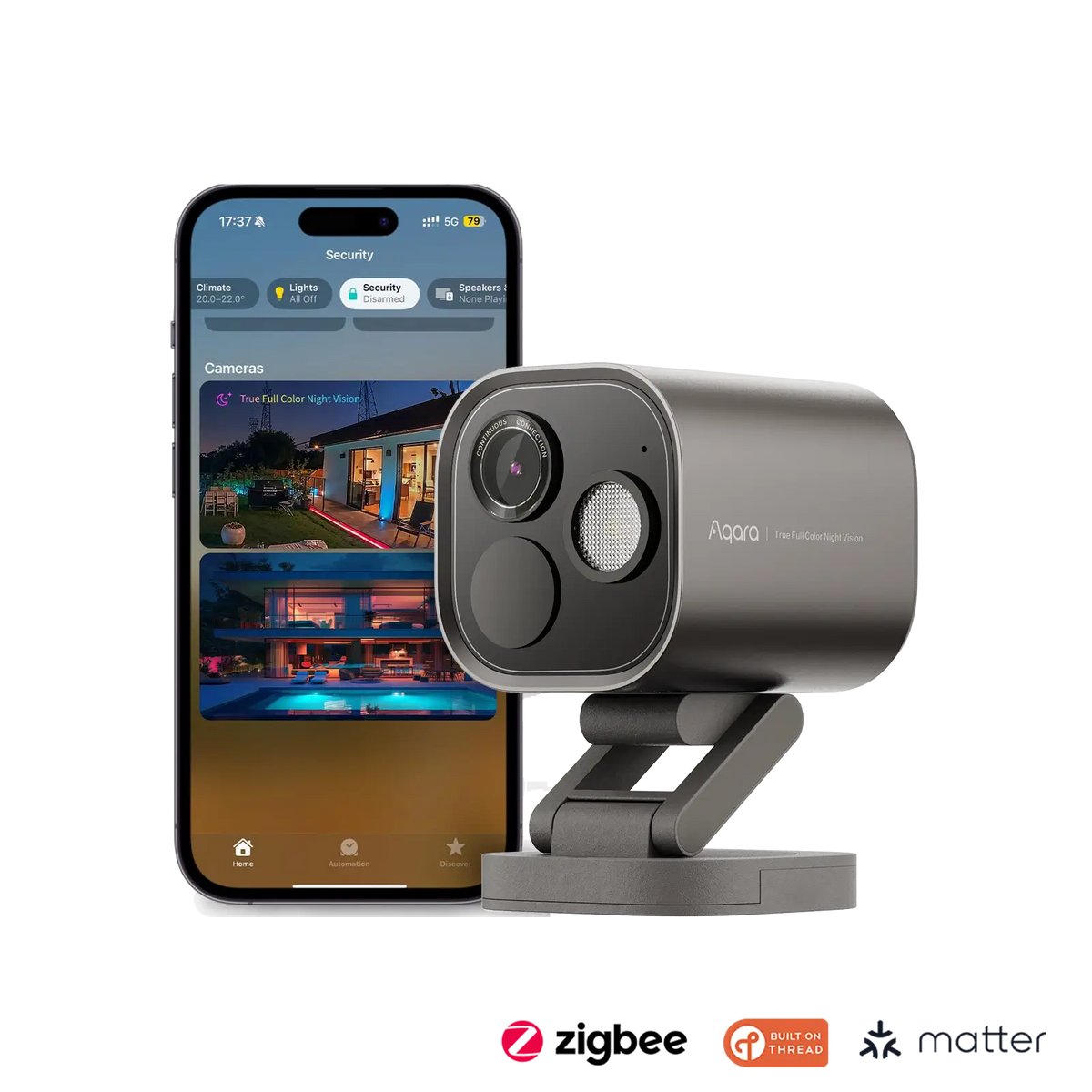
The distinction bites in practice. The Aqara Camera Hub G5 Pro, for example, does support RTSP for local streaming and SMB storage to a NAS — it drops straight into Frigate or Blue Iris — but it does not currently support ONVIF, so you can’t adopt it into UniFi Protect. Aqara has said ONVIF is coming. “Coming” is doing a lot of work in that sentence, so buy on what shipped. If you’re assembling a camera set from scratch, our roundup of home monitoring and smart security bundles is a reasonable starting point for RTSP-capable hardware.
Do the storage maths before you buy drives
This is where enthusiasm meets arithmetic. A single 4K H.265 stream at 6 Mbps recording continuously burns about 65 GB per day — call it 2 TB a month, per camera.
Six cameras recording 24/7 for 30 days is therefore roughly 12 TB before any RAID overhead. That’s why realistic UniFi Protect deployments land somewhere between 12 TB and 80 TB of usable capacity for 30–60 days of history.
Two ways to cut that down hard:
- Record on detection, not continuously. Frigate’s whole design philosophy. Cuts storage by an order of magnitude, at the cost of never having the footage from thirty seconds before anything interesting happened.
- Record a low-res substream for continuous, and the 4K main stream only for events. Most decent cameras publish both. This is the best of both worlds and almost nobody configures it.
And buy surveillance-rated drives. Consumer desktop drives are not designed for a permanent sequential write load, and they will tell you so, eventually, at the worst possible moment.
The Matter-shaped hole
Worth stating plainly, because it comes up constantly: Matter still does not do cameras in any way that helps here. There is no interoperable Matter path for a camera to stream to a third-party recorder. Every option in this article works via RTSP, ONVIF, or a proprietary protocol — none of them via Matter. Anyone selling you a “Matter camera system” is selling you Matter for the sensors and lights around the cameras. Plan accordingly, and read our Matter 1.6 breakdown for what the spec actually covers.
What I’d actually buy
- Already running Home Assistant, comfortable with Docker: Frigate, detection on an Intel iGPU if you have one, otherwise a Hailo-8L. Free, best-in-class, zero recurring cost.
- Deep in Apple’s ecosystem and tired of slow camera tiles: Scrypted, with the NVR plugin if you want retention.
- Want it to just work and have $700: UniFi Protect on a UNVR G2. Buy Protect cameras and don’t fight it.
- Windows box already humming in a closet: Blue Iris. Cheapest capable option that exists.
- Just want off a subscription this weekend: Reolink Home Hub Pro, $200, done.
Whichever you choose, put the recorder and the cameras on their own network segment — cameras are among the worst-maintained devices in any house, and they do not need to talk to your laptop. We walked through exactly how to do that in our guide to separating your smart home network.
The subscription era for home video was always a business model in search of a justification. In 2026, the justification is gone.