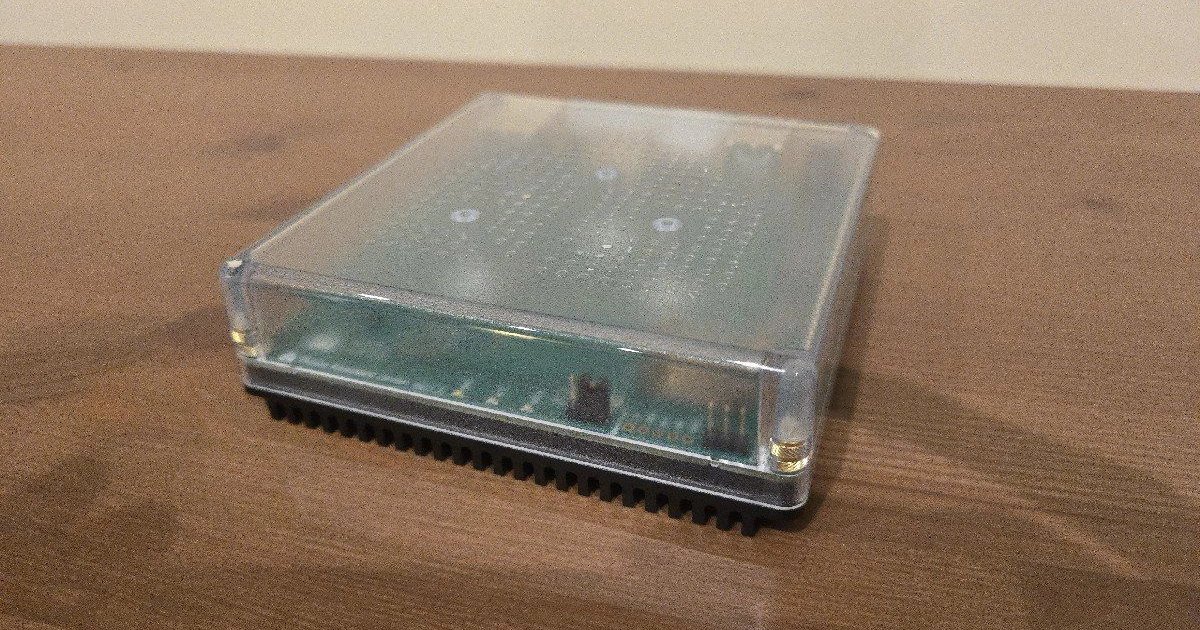
Ubiquiti doesn’t usually make smart home news. Its gear lives in network cupboards, run by the kind of people who put their fridge on its own VLAN. But an FCC filing spotted by Matter Alpha shows a wall-mounted UniFi Wi-Fi 7 access point, apparently called the U7 Mesh Wall, with a dedicated Thread radio inside. Put that next to the $199 UniFi SuperLink Gateway HA, which already includes a Thread border router, and this month’s UniFi Network 11, which draws Thread devices on its network map, and a pattern shows up.
The Thread border router is moving out of your smart speaker and into your network gear. Amazon’s eero routers have done it for years, Google’s Nest Wifi Pro joined them in 2022, and now the prosumer crowd is catching up.
That raises a question most smart home owners have never asked on purpose: which box should actually run your Thread network? You probably already own three or four border routers and never chose any of them. Here’s how to choose on purpose, and where Thread 1.4, the update meant to make all this simpler, actually stands at the end of 2026.
What a border router does, and why the box matters
Thread is a low-power mesh network. Your Thread sensors, locks, blinds and plugs talk to each other, and the mains-powered ones relay traffic for the battery devices. But Thread is a separate network. To reach your phone, your hub or the internet, traffic has to cross into your home’s normal IP network over Wi-Fi or Ethernet. The device at that crossing point is the border router.
Not all border routers are equal. Three things matter:
- How it connects to your network. Ethernet is the gold standard. A border router on Wi-Fi works, but then every Thread message also depends on your Wi-Fi being healthy.
- Where it sits. A border router is also a Thread radio in the mesh. One in a central hallway helps more than one wedged behind the TV.
- Whether it plays nicely with others. This is the big one. It’s most of the reason Thread has a reputation for being flaky.
The real problem: you probably have more than one Thread network
A Thread network is defined by its credentials: a network name, a key and a channel. A Thread device belongs to one network at a time. For most of Thread’s consumer life, each ecosystem built its own network. Your Apple TV and HomePods form one. Your Nest Hub forms another. Your Echo or eero forms a third. Each one is a weaker mesh than a single combined network would be, and a device on one network can’t use the others’ routers.
As we explained in our Matter multi-admin guide, Matter happily lets several ecosystems control the same device over IP. It does nothing to merge the Thread meshes underneath.
Thread 1.4 is supposed to fix this. Its headline feature is standardized credential sharing: you give a new border router an existing network’s credentials, using a short-lived passcode or QR code, and it joins that mesh instead of starting its own. Since January 1, 2026, the Thread Group only certifies new border routers against 1.4. That doesn’t update the boxes already in your house, though. Here’s where the major platforms actually stand:
| Platform | Thread 1.4 status (late 2026) | How sharing works |
|---|---|---|
| Apple (Apple TV 4K, HomePod) | Apple TV moved to 1.4 with tvOS 26 | Within Apple Home |
| Google (Google TV Streamer, Nest Hub, Nest Wifi Pro) | Streamer updated June 2026; Nest Hubs and Nest Wifi Pro rolling out, per owner reports | “Share Thread network credentials” QR code on the Streamer |
| Samsung SmartThings (Hub v2, v3, Aeotec) | Shipped September 2025, first of the big platforms | “Thread Unification” merges nearby networks |
| Amazon (Echo, eero) | Developer docs still list Thread 1.3; Echo (4th gen) is 1.1 | Alexa credential store, with your permission |
| Home Assistant (OpenThread Border Router) | 1.4 build offered as a beta option in early 2026 | Not exposed in that beta |
The short version: Samsung, Apple and Google have shipped 1.4. Amazon hasn’t, and that matters because Amazon’s own developer documentation lists more than 20 Echo and eero models as Thread border routers. Even where 1.4 has shipped, merging networks across ecosystems is still a manual step you have to take, not something that happens on its own.
Option 1: let your Wi-Fi do it
The appeal is obvious. Your router is always on, usually in a central spot and often wired. A mesh system puts a node in most parts of the house, so a mesh with Thread gives you border routers spread through the home automatically.
eero 7, eero Pro 7 and eero Max 7
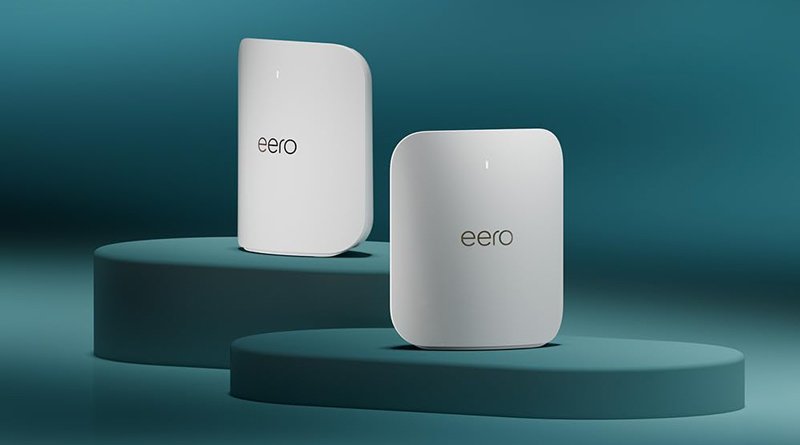
Amazon’s eero is the most mature option. The eero 7 and eero Pro 7 launched at $169.99 and $299.99 for one unit ($279.99 and $549.99 for two-packs, $349.99 and $699.99 for three). The eero 7 is dual-band Wi-Fi 7 on 2.4GHz and 5GHz; the Pro 7 adds 6GHz. Both are Thread border routers and Zigbee hubs, and you add Matter devices through the Alexa app. The flagship eero Max 7 launched at $599.99 for one unit, adding 10-gigabit Ethernet ports.
The catch is that eero’s smart home side belongs to Alexa. The Thread network an eero creates is Amazon’s network, and Amazon’s docs list current eero models as Thread 1.3 border routers. Until Amazon ships 1.4, expect your eero’s Thread network to stay separate from your Apple or Google one.
Buy eero for Thread if your home runs on Alexa, or your router is due for replacement anyway. Apple-first homes will keep running Thread from the Apple TV regardless.
Google Nest Wifi Pro
Google’s Wi-Fi 6E mesh launched in 2022 at $199.99 for one unit, $299.99 for two and $399.99 for three (£189.99 for one in the UK). Every unit is a Thread border router, and it’s part of Google Home’s Matter setup. Owners report the Thread 1.4 update reaching it alongside Google’s Nest Hubs, though Google hasn’t announced that rollout.
It’s now the oldest hardware in this guide, with no Wi-Fi 7. Buy it if you’re a Google Home household that needs a mesh anyway. If you only want a solid Google border router, the Google TV Streamer ($99.99) is the better buy. It has Ethernet, and it was the first Google device to get Thread 1.4, in a June 2026 update that added a credential-sharing button.
UniFi: the network nerd’s option, still arriving
The U7 Mesh Wall exists only as an FCC filing for now: Wi-Fi 7 on 2.4GHz and 5GHz, Bluetooth LE, a Thread radio, and no announced price or date. Matter Alpha expects it to be priced close to the U7 In-Wall’s $199. Ubiquiti has asked the FCC to keep its photos and manuals confidential until April 2027, which tells you nothing definite about the launch date.
What you can buy is the SuperLink Gateway HA ($199). Its Thread border router supports up to 128 Thread devices, alongside Ubiquiti’s own sub-GHz SuperLink radio for its sensors. Separately, UniFi Network 11 now discovers Thread border routers automatically. If you add a Matter-over-Thread device with its pairing code, UniFi shows its model, firmware, battery and signal on the topology map, with history you can scroll back through. It needs a compatible UniFi OS gateway with IPv6 and mDNS enabled, and you add devices one at a time.
The important caveat is that UniFi isn’t a smart home platform. It can’t control devices or run automations, and Ubiquiti hasn’t announced a Matter controller. Adding a device with a pairing code effectively makes UniFi another Matter admin, so it takes one of that device’s limited fabric slots. Ubiquiti also hasn’t explained how you’d get Matter devices onto its own Thread network in the first place.
Watch UniFi if you already run a UniFi network. Today it gives you visibility into Thread, not control over it.
Option 2: let your hub or speaker do it
Apple TV 4K and HomePod
For Apple Home households, the answer is already in the living room. An Ethernet-connected Apple TV 4K is the most reliable Thread border router Apple makes, and Apple moved it to Thread 1.4 with tvOS 26. The new fourth-generation model ($299, shipping November 13) adds Wi-Fi 7 and keeps Gigabit Ethernet and Thread. The second-generation HomePod mini ($149, shipping October 30) is still the cheapest Apple border router. Our Apple HomeView rundown covers both.
Apple does one thing well here: all your Apple border routers join the same Thread network. A second HomePod mini in a far bedroom extends the mesh rather than splitting it.
Echo and Echo Hub
Amazon’s list includes the Echo Hub, Echo Show 8 (third gen), Echo Dot Max and Echo Studio. One to watch is the older Echo (4th gen), which Amazon lists as a Thread 1.1 border router. If that’s the only border router in your house, replace it first.
SmartThings
Samsung was the first major platform to ship 1.4 credential sharing publicly. It went to the SmartThings Hub v2 and v3 and the Aeotec Smart Home Hub in September 2025. The app also gained a “Thread Unification” feature that finds nearby Thread networks and merges them, the closest thing yet to a one-tap fix for a split mesh.
Aqara hubs
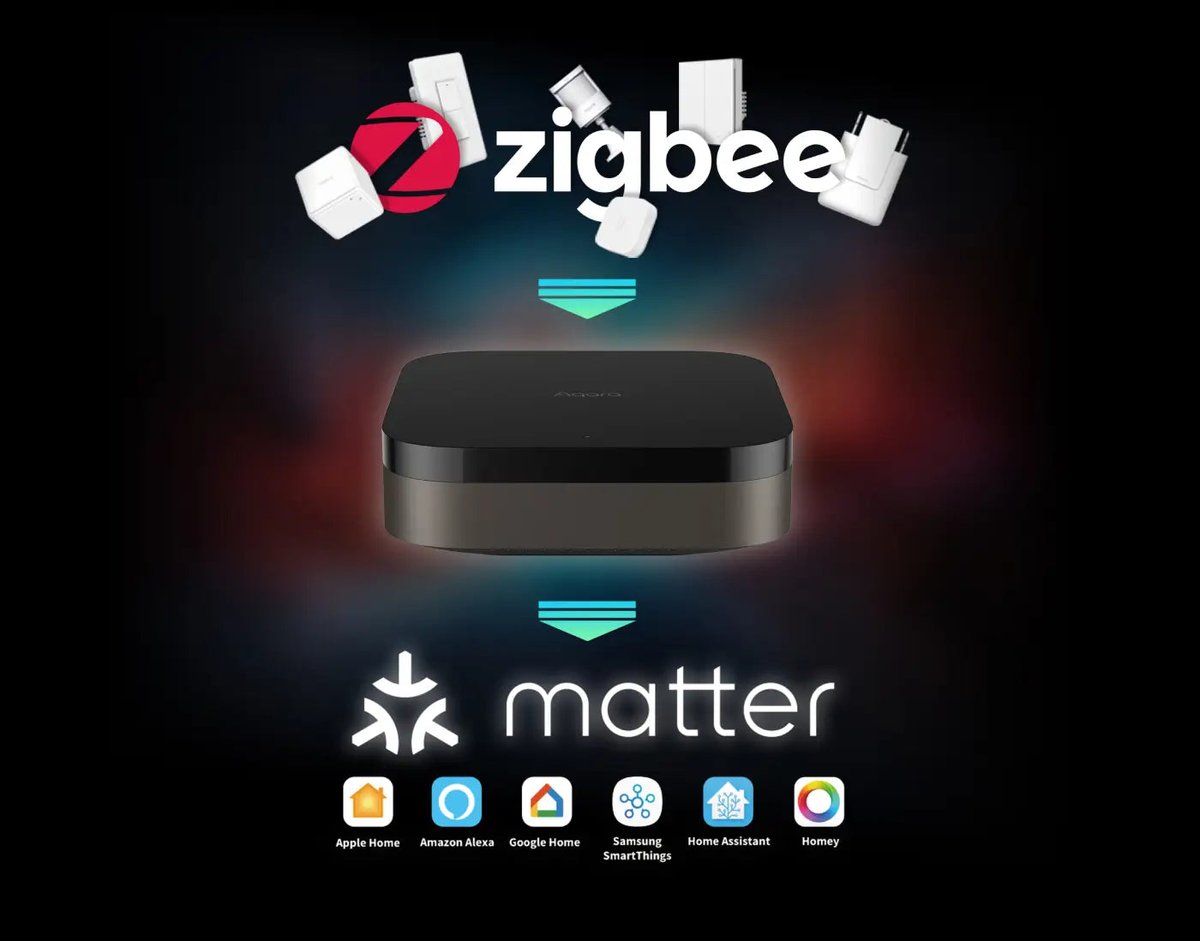
For Aqara households, the Aqara Hub M3 is the most capable box in the range. It’s a Zigbee coordinator, Thread border router, Matter controller and Matter bridge in one, and it can run on Ethernet with PoE. It lists at $159.99 in the US. For smaller setups, the Aqara Hub M100 is a USB-A stick that works as a Thread border router and Matter controller, and it’s a tidy way to add Thread without another box on the shelf.
Home Assistant
Home Assistant can run its own Thread network through the OpenThread Border Router add-on and a radio stick. Our Zigbee and Thread coordinator guide covers the hardware. A Thread 1.4 build arrived as a beta option in early 2026, but without credential sharing exposed. For most people, the better move is to have Home Assistant join the Apple or Google Thread network you already have. The companion app can sync Thread credentials from your phone.
The shortlist
| Border router | Price (USD) | Ethernet | Thread 1.4 | Whose network |
|---|---|---|---|---|
| eero 7 / eero Pro 7 | $169.99 / $299.99 (launch, single) | Yes | No (1.3) | Amazon |
| Google Nest Wifi Pro | $199.99 (2022 launch, single) | Yes | Rolling out | |
| Google TV Streamer | $99.99 | Yes | Yes | |
| Apple TV 4K (4th gen) | $299 | Yes | Yes (tvOS) | Apple |
| HomePod mini 2 | $149 | No | Not stated | Apple |
| Echo Hub / Echo Show 8 | varies | No | No (1.3) | Amazon |
| Aqara Hub M3 | $159.99 | Yes | Not stated | Aqara |
| UniFi SuperLink Gateway HA | $199 | Yes | Not stated | No controller yet |
| UniFi U7 Mesh Wall | TBA (FCC filing) | Yes | Not stated | No controller yet |
Which one should run your Thread network?
Apple Home household: Make an Ethernet-connected Apple TV 4K your anchor, and add HomePod minis where the mesh is thin. Don’t buy another ecosystem’s hardware just for Thread. Matter multi-admin already lets Google or Alexa control your devices over IP.
Google Home household: A Google TV Streamer on Ethernet beats a Nest Hub on Wi-Fi. Add the Nest Wifi Pro only if you need a mesh, and preferably when it’s discounted.
Alexa household: If your router is due for replacement, an eero 7 gives you Wi-Fi 7 plus border routers in every node. Otherwise an Echo Hub or a recent Echo Show is fine. Retire the Echo (4th gen) as your main border router.
Mixed or Home Assistant household: Choose one Thread network as home base. Right now that’s usually Apple’s or Google’s, because they’ve shipped 1.4. Get Home Assistant to join it, and use SmartThings’ Thread Unification if a Samsung hub is in the mix.
UniFi household: Update to Network 11 now for visibility, and wait for the U7 Mesh Wall before treating UniFi as Thread infrastructure.
Three things to do this weekend
- Count your Thread networks. Home Assistant’s Thread integration lists every network and border router it can see. UniFi Network 11 shows them on the topology map. If you find three network names, you’ve probably found the cause of your flaky sensors.
- Wire your primary border router. Moving the main border router from Wi-Fi to Ethernet often helps more than buying another one. Our smart home network guide covers the rest of the network side.
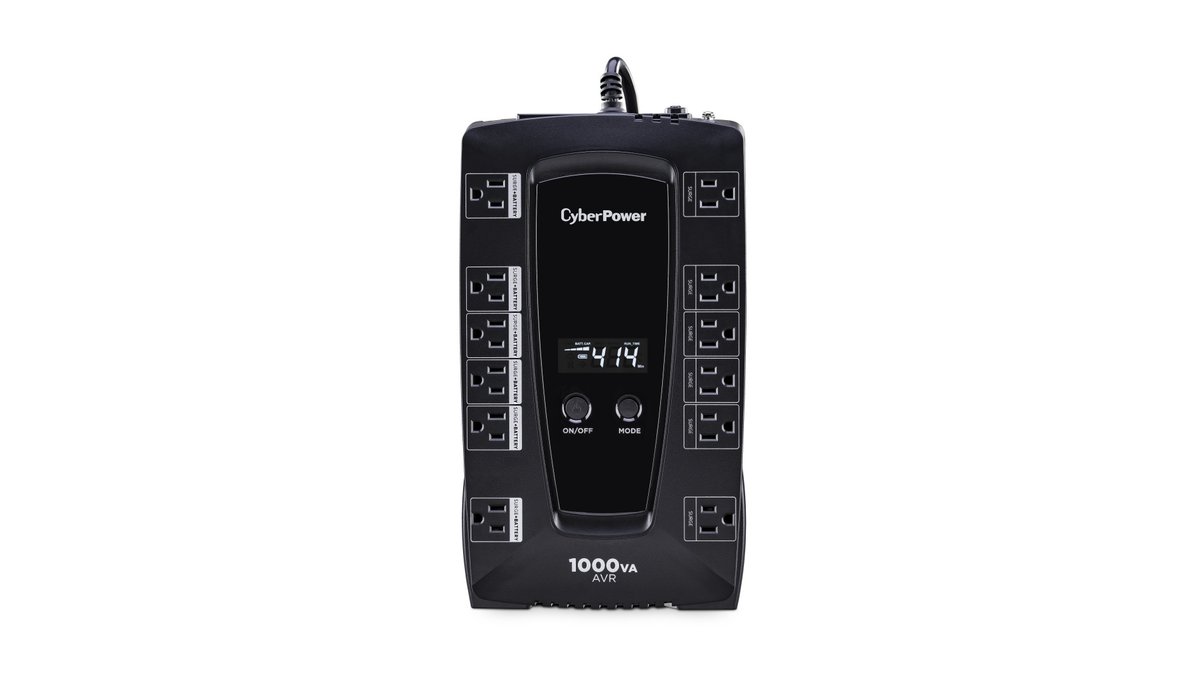
- Put a border router on backup power. Battery-powered Thread sensors keep running in a power cut, but they’re useless if no border router is up to pass their messages on. Our blackout guide explains how to size a small UPS.
The bottom line
The border router is turning into infrastructure, and infrastructure belongs with your network gear, not on the TV stand. Ubiquiti putting Thread into an access point suggests the networking world agrees. If a vendor-neutral access point can eventually join whichever Thread network you already run, instead of creating its own, that’s the most interesting smart home hardware of 2027.
Until Amazon ships Thread 1.4 and Google finishes its rollout, though, the best Thread network is still the one you picked on purpose and kept to just one. Most homes don’t need a new box. They need to decide which existing box runs Thread, plug it into Ethernet, and stop adding networks by accident.