Every Home Assistant setup has two halves. The first is the box that runs the software, and in 2026 that box got expensive. The official Home Assistant Green launched at $99. After two memory-driven price rises this year, Nabu Casa now lists it at $199 / €179. The 16GB Raspberry Pi 5 has climbed to $305. Our sister site SmartHomeFirst worked through what the RAM crisis means for hub hardware, and none of it is cheerful.
The second half is the radio: the little stick or box that talks to your Zigbee sensors, Thread locks and Z-Wave switches. Radios carry almost no memory, so they’ve mostly avoided the price spiral. You can still buy an excellent one for $25–75. Few people think about this half, yet it’s where most “my sensors keep dropping off” forum threads start.
This is where coordinators stand in 2026: what to buy, whether to use USB or Power over Ethernet, and why Home Assistant has given up on one radio running Zigbee and Thread at once.
First, the rule that saves you a weekend: one radio, one protocol
Zigbee and Thread run on the same kind of 2.4 GHz IEEE 802.15.4 radio. For years the obvious idea was to run both on one chip. Home Assistant tried it with multiprotocol firmware on its first-generation ZBT-1 (née SkyConnect) stick, and it didn’t go well.
Nabu Casa’s documentation for the new Connect ZBT-2 is blunt: the stick “cannot do both Zigbee and Thread simultaneously.” The team says it tested multiprotocol on the ZBT-1, found it caused device stability problems, and has no plans to bring it back. You flash the stick for one job and it does that job.
In practice, for 2026:
- For a Zigbee network, buy one dedicated coordinator.
- If you want Home Assistant to run its own Thread network, add a second, separate radio.
- If you want both in one box, buy a device that contains two physical radios (SMLIGHT’s multi-radio line, covered below). A single radio pretending to be two is the approach Home Assistant dropped.
Many people miss this part: you may not need a Thread radio at all. A HomePod mini, an Ethernet-equipped Apple TV 4K, a second-gen Nest Hub or a fourth-gen Echo is already a Thread border router. Matter-over-Thread devices can join that network, and Home Assistant can control them through its Matter integration. A dedicated Thread stick makes sense if you have no border router or want Home Assistant to own the network. It isn’t something to buy by default.
The chip matters more than the logo
Nearly every coordinator worth buying in 2026 uses one of three chips:
- Silicon Labs EFR32MG24, the current generation. It’s in Home Assistant’s ZBT-2, Sonoff’s Dongle Plus MG24 and Dongle Max, and SMLIGHT’s SLZB-06MG24. It handles Zigbee well and is the one to get if Thread is anywhere in your plans.
- Silicon Labs EFR32MG21, the previous generation, used in the Sonoff ZBDongle-E and Dongle Lite, the SMLIGHT SLZB-06M and the ConBee III. It’s still perfectly capable for Zigbee but a weaker choice for Thread.
- Texas Instruments CC2652P, the long-time Zigbee2MQTT favourite, used in the Sonoff ZBDongle-P and the original SMLIGHT SLZB-06. It’s mature and battle-tested but rarely used for anything except Zigbee.
“Mature” isn’t an insult. Plenty of 100-device networks run happily on CC2652P sticks. For a new purchase, though, MG24 is the default, and the price gap has almost disappeared.
The contenders
Home Assistant Connect ZBT-2: $49 / €45
This is the official stick and the one most people should buy. An EFR32MG24 radio sits behind an ESP32-S3 USB bridge. That bridge lets it talk to Home Assistant at 460,800 baud, four times the ZBT-1’s 115,200. The extra speed helps most when a large network is busy, such as when every light in the house answers a single scene command.
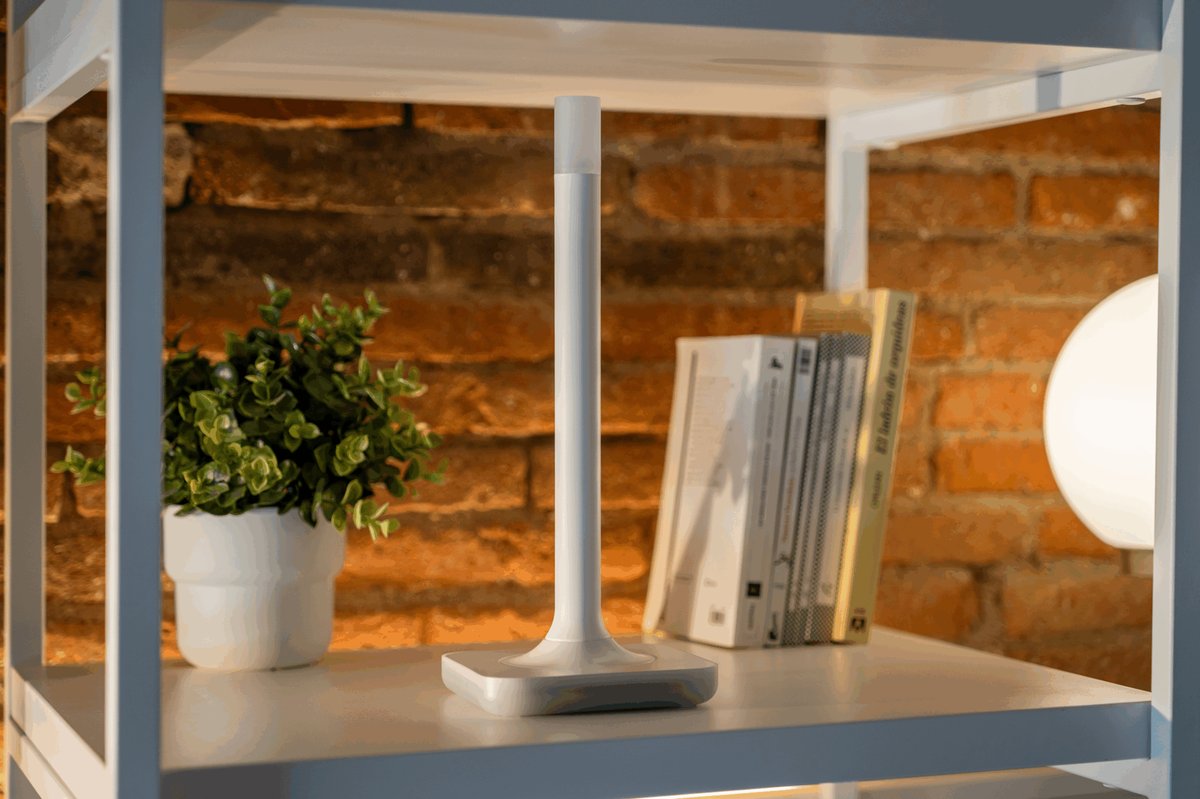
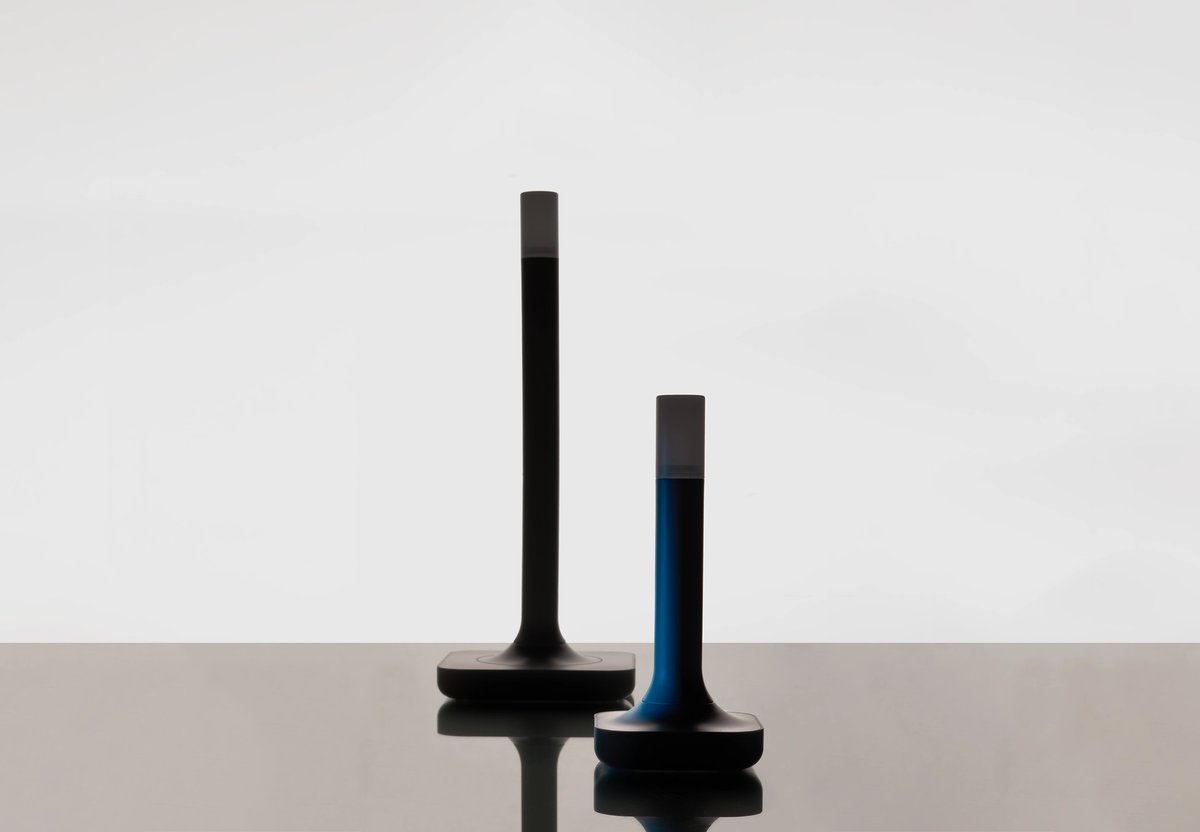
It connects over USB-C and uses a tall, antenna-shaped body (164 mm) designed to stand upright. It transmits at 10 dBm in Europe and 8 dBm elsewhere. Plug it into a Home Assistant Green or a Pi and Home Assistant discovers it and asks whether it should run Zigbee or Thread.
Beyond the specs, your money funds Home Assistant development. The downsides are that it’s USB-only, so it has to sit near your server, and one stick handles one protocol. Full specs are on the official ZBT-2 page.
Sonoff Dongle Plus MG24 and Dongle Lite: the budget picks
Sonoff has quietly become the best value in this category. The Dongle Plus MG24 costs around $36, uses the same MG24 chip family as the ZBT-2, and is SmartHomeScene’s current pick for best USB dongle overall. The Dongle Lite MG21, at around $25, is the cheapest decent way into Zigbee, but skip it if Thread is on your roadmap. The older ZBDongle-E and ZBDongle-P are still on sale and still fine, though there’s little reason to pick them over the Plus now.
Against the ZBT-2, you give up polish and official support: Home Assistant’s docs and onboarding are built around its own hardware. Tinkerers won’t notice. If you just want it to work, that’s the reason to spend the extra $13.
Sonoff Dongle Max: around $43, the PoE bargain
This is the most interesting device in the group. The Dongle Max pairs an EFR32MG24 radio with an ESP32 and offers three connections: USB, Wi-Fi, or Ethernet with Power over Ethernet. It has an aluminium case, two adjustable antennas and a web console for configuration.
PoE means the coordinator no longer has to sit next to your server. Put the server in a closet or rack and place the coordinator in the middle of the house, on one Ethernet cable that carries data and power. If you run Home Assistant in a virtual machine or on a NAS, it also ends your USB passthrough headaches.
One caveat from me: use USB for Thread. Home Assistant’s Thread setup treats the stick as a radio co-processor that its OpenThread border router drives constantly. That link is more timing-sensitive than a Zigbee coordinator connection, and a hiccup on the network shows up as a Thread network hiccup. Zigbee over Ethernet is a well-proven setup. Thread over Ethernet can work on a solid network, but USB is the safer bet.
SMLIGHT SLZB-06 series: the PoE veterans
SMLIGHT made affordable PoE coordinators mainstream, and its SLZB-06 line is still the benchmark. Each chip has its own model: the original SLZB-06 (CC2652P), the SLZB-06M (MG21) and the current SLZB-06MG24U (MG24). The MG24 model adds an ESP32-S3, 10/100 Ethernet, 802.3af PoE, Wi-Fi fallback, USB-C power, +20 dBm transmit power and a rotatable antenna. You can connect PoE and USB-C power at the same time because the two are electrically isolated.
They cost more than Sonoff’s Max: Amazon US listings for the SLZB-06 and 06M were in the $70–75 range when we checked. In return you get a more mature web interface and a long track record with both ZHA and Zigbee2MQTT.
A real two-in-one: SMLIGHT’s multi-radio SLZB-MR series puts two separate radios in one PoE box. The MR1, for example, pairs a CC2652P7 with an EFR32MG21, so one radio runs Zigbee and the other runs Thread. That’s the right way to get both protocols from a single device, because each radio still has one job.
Home Assistant Connect ZWA-2: $69 / €59, for Z-Wave
Z-Wave uses sub-GHz frequencies rather than 2.4 GHz, so it always needs its own radio. The ZWA-2 uses Silicon Labs’ ZG23 chip, runs classic Z-Wave mesh and Z-Wave Long Range simultaneously, and comes with a 1.5 m USB-C cable. It even has an accelerometer that warns you when it’s lying on its side, because Nabu Casa wants it upright for the best antenna pattern.
If you’re wondering whether Z-Wave is worth it now that Matter exists, see our Z-Wave Long Range guide. In short, it still reaches detached garages, gates and mailboxes that Thread can’t.
USB or PoE? A quick decision guide
| USB coordinator | Network (PoE) coordinator | |
|---|---|---|
| Typical price | $25–49 | $43–75+ |
| Placement | Near the server, on an extension cable | Anywhere you can run Ethernet |
| Setup | Plug in; Home Assistant auto-discovers it | Needs an IP address, ideally a DHCP reservation |
| Main failure mode | USB 3.0 interference, VM passthrough | Network hiccups, switch reboots |
| For Thread | Recommended | Works, but USB is safer |
| Best for | Home Assistant Green and Pi setups | Closet or rack servers, VMs, large homes |
Whichever you choose, a few habits prevent most problems:
- Always use a USB extension cable. USB 3.0 ports and nearby SSDs radiate noise across the 2.4 GHz band. Moving the stick a metre or two from the server fixes more “flaky Zigbee” complaints than any firmware update.
- Give network coordinators a fixed IP. Without one, a router reboot can hand the coordinator a new address and take your whole Zigbee network offline.
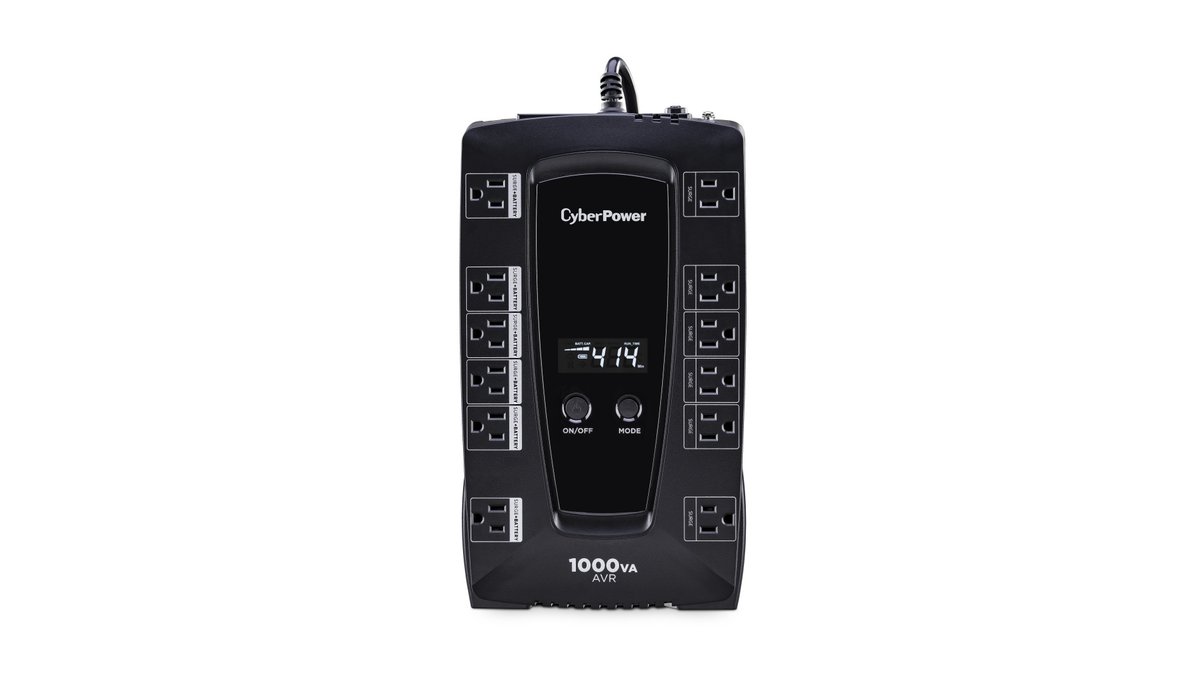
- Plug the PoE switch into a UPS. When the switch loses power, so does your coordinator and every automation that depends on it. Our blackout backup guide covers which gear is worth keeping powered.
- Keep Wi-Fi and Zigbee out of each other’s way. They share the 2.4 GHz band, so choose channels deliberately. Our smart home Wi-Fi guide goes into the details.
Switching coordinators without re-pairing everything
If you’re upgrading from an old stick, you don’t necessarily have to re-pair 60 devices. ZHA has a built-in radio migration option that backs up your network and restores it onto the new adapter, including moves between chip families. Zigbee2MQTT also supports coordinator backups, but read its adapter migration notes before moving between chip families (Texas Instruments to Silicon Labs, for example). Those moves are where people most often end up re-pairing.
After migrating, keep the old stick unplugged. The new coordinator takes over the old network’s identity, and two radios claiming the same network will interfere with each other.
Not running Home Assistant?
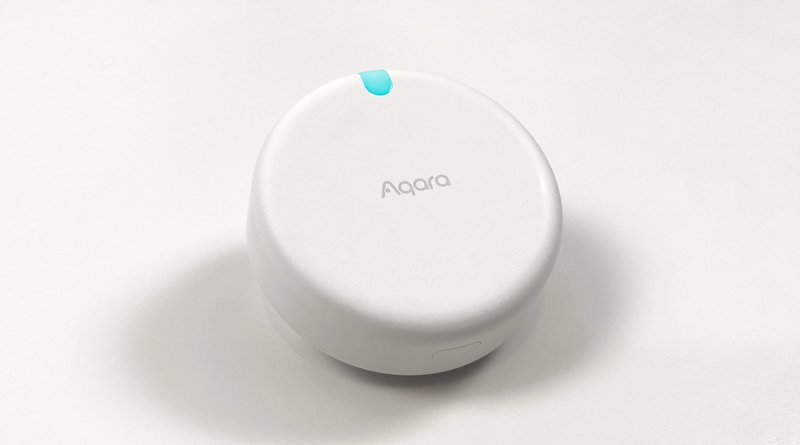
If you mostly use Apple Home, Google Home or Alexa, a bare coordinator stick isn’t the right tool. A hub makes more sense. The Aqara Hub M100 is a USB-A stick that works as a Thread border router and Matter controller and handles up to 20 Aqara Zigbee devices. It only supports Aqara’s own Zigbee devices, not third-party ones, but for many Matter homes that’s enough.
What I’d buy in September 2026
- New to Home Assistant, on a Green or Pi: the Home Assistant Connect ZBT-2, for Zigbee. It costs $49, supports the project, and it’s the hardware Home Assistant’s onboarding is built around.
- Tightest budget: the Sonoff Dongle Plus MG24 at around $36. It uses the same chip generation with less polish.
- Server in a closet, VM or NAS: the Sonoff Dongle Max over PoE, for Zigbee. At around $43 it’s the cheapest way to get the radio out of the rack. Choose the SMLIGHT SLZB-06MG24U instead if you’d rather have the more established ecosystem.
- Want Home Assistant to own a Thread network: a second MG24 stick flashed for Thread and connected over USB. Otherwise, use the border routers you probably already own.
- Z-Wave household: the ZWA-2. Long Range support, a well-designed antenna and first-party support make it the easy choice.
The bottom line
The Home Assistant Green doubled in price this year, but the radio is the one part of the setup that got better and stayed cheap. Spend $36–49 on a current MG24 coordinator, put it on an extension cable and give it one protocol. That avoids most of the problems behind “Zigbee is flaky” complaints.